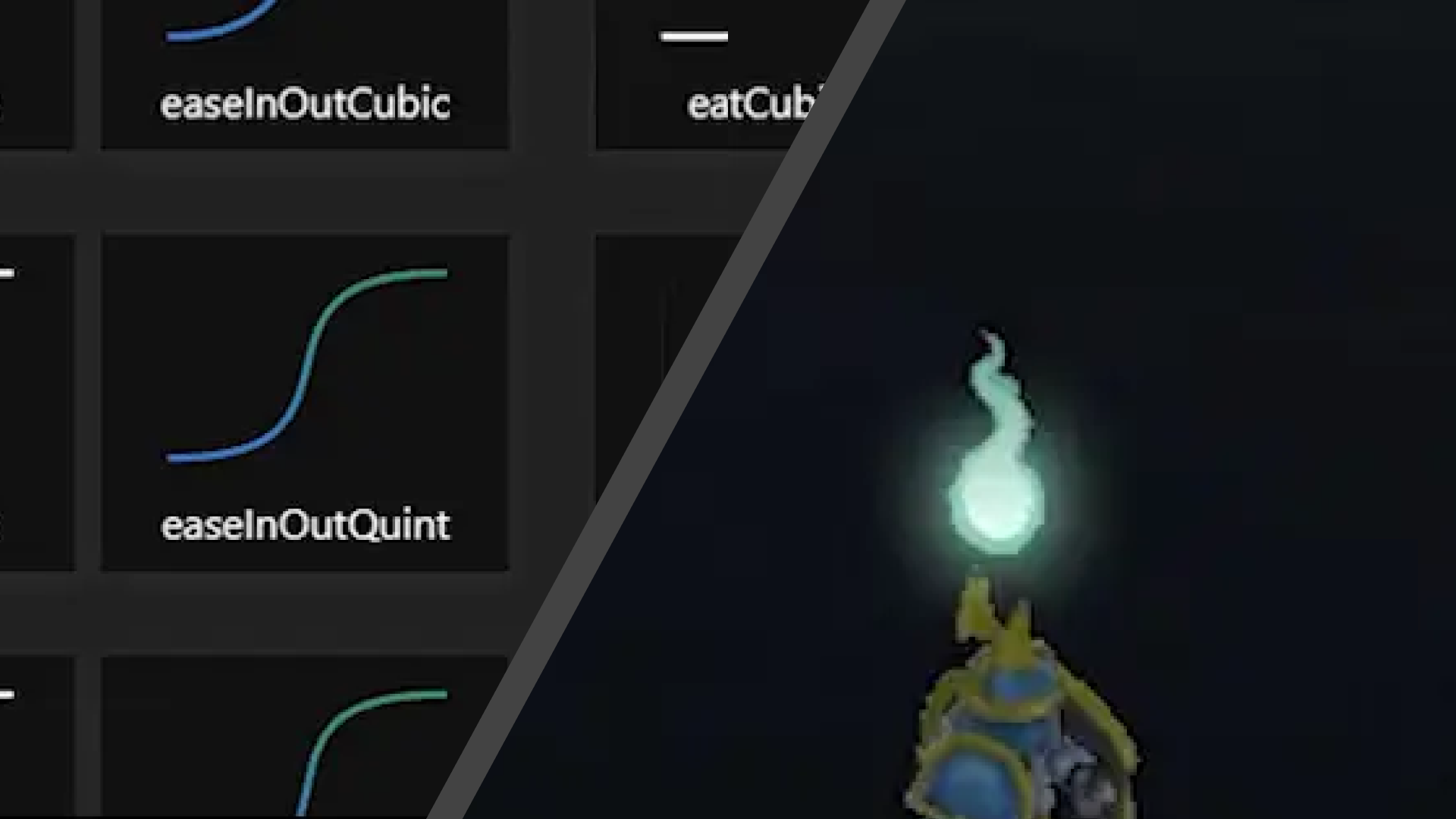
A small set of utilities are added to the engine to make animations smoother, more expressive, yet very easy to implement consistently across systems.
What’s in the API
Interpolation (Lerp)
Basic linear interpolation helpers:
float lerp(float a, float b, float t);

Vector2 lerp(const Vector2& a, const Vector2& b, float t);

Vector3 lerp(const Vector3& a, const Vector3& b, float t);
tis clamped between[0, 1]- Useful for blending values over time
SmoothStep
float smoothStep(float edge0, float edge1, float x);
- Smooth interpolation between two values
- Great for soft transitions without harsh edges

Easing Functions
float evaluateEasing(EasingType type, float t);
Supported easing types include:
- Quad, Cubic, Quart, Quint (In / Out / InOut)
- Sine, Expo, Circ variants
Examples:
MathAPI::EasingType::EaseOutQuint

MathAPI::EasingType::EaseInOutSine
These functions take a normalized t (0 → 1) and remap it to produce more natural motion.
Ping-Pong Helper
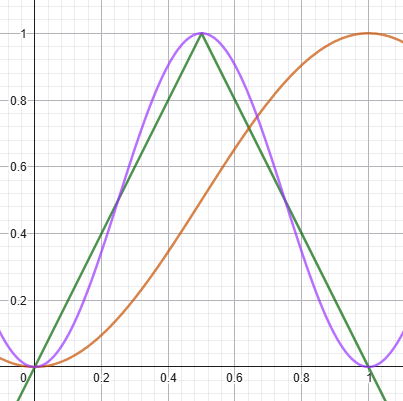
float pingPong(float t)

{

    return 1.0f - fabsf(2.0f * t - 1.0f);

}
- Converts a linear
t(0 → 1) into a (0 → 1 → 0) curve - Perfect for looping or “breathing” animations
How to Think About It
Typical flow for implementing simple animation is:
- Build time value by either
creating a normalized value (0 → 1)
float t = (duration - timer) / duration;
or if you want an infinite loop, normalize a time value:
time += deltaTime;

float t = fmodf(time, m_markDuration) / m_markDuration;
optionally, you can make it bounce (0 → 1 → 0):
float pingPongT = MathAPI::pingPong(t);
- Apply easing:
float eased = MathAPI::evaluateEasing(type, t);
- Use the result to drive values:
position = lerp(start, end, eased);
Example: UI Animation
Here’s a real usage example combining movement + scale animation:
if (m_canvasTransform2D)

{

    float t = (m_markDuration - m_timer) / m_markDuration;

    // Position: one-shot ease out

    float easedTimerPos = MathAPI::evaluateEasing(MathAPI::EasingType::EaseOutQuint, t);

    Transform2DAPI::setPosition(m_canvasTransform2D, Vector2(0.0f, m_markUIDistance * easedTimerPos));

    // Scale: ping-pong + easing (pulse effect)

    float pingPongT = MathAPI::pingPong(t);

    float easedTimerScale = MathAPI::evaluateEasing(MathAPI::EasingType::EaseInOutSine, pingPongT);

    float scale = 1.0f + easedTimerScale * 0.5f * m_markUIScale;

    Transform2DAPI::setScale(m_canvasTransform2D, Vector2(scale, scale));

}
What this does:
- The UI element moves upward with a smooth ease-out
- At the same time, it scales up and down in a pulsing motion
This is just the foundation, in the future, we will build higher-level animation on top of this (sprite animations, FX systems, etc.).
Anyway, if you need new easing types or helpers, just add them to MathAPI