Introduction
As part of our navigation system improvements, we implemented support for custom NavMesh area types and agent-specific traversal filters.
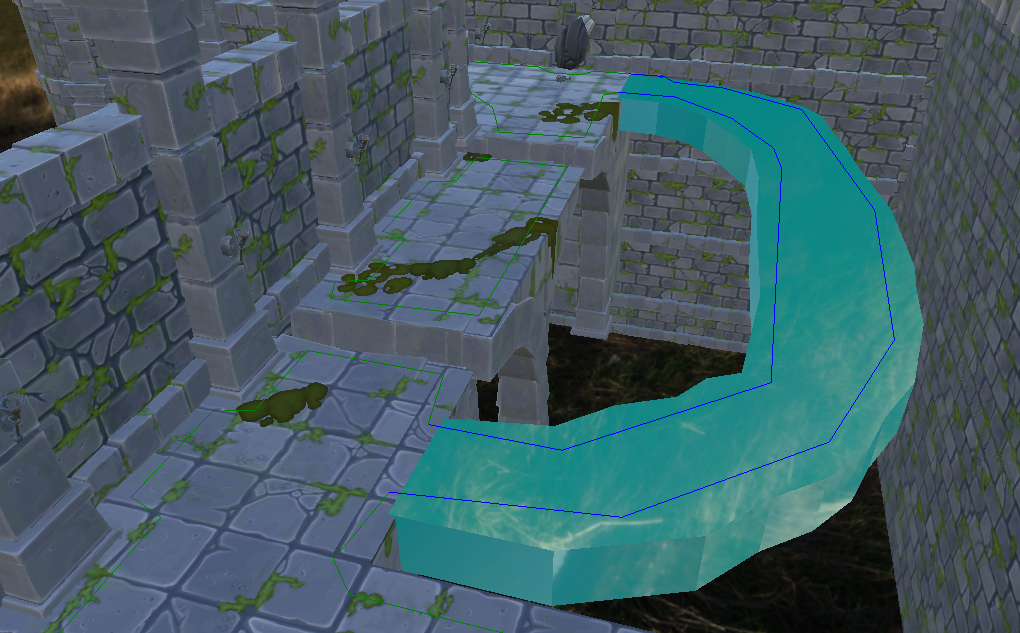
The goal was to allow different gameplay entities to traverse different parts of the same NavMesh while keeping a single navigation data set. This enables mechanics such as spectral paths, restricted traversal zones and future navigation-based gameplay features without maintaining multiple NavMeshes.
NavModifier Volumes
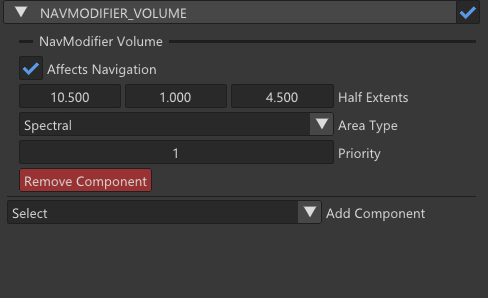
To support custom navigation areas, we introduced a new **NavModifierVolume **component.
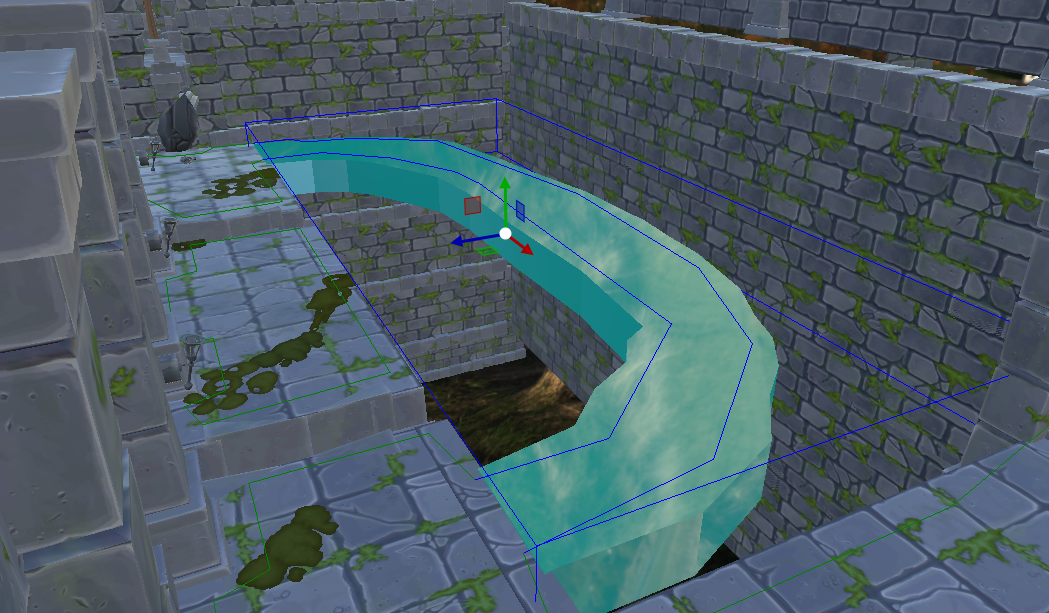
During the NavMesh baking process, modifier volumes assign area types to the generated navigation polygons based on their position and priority.
enum class NavAreaType
{
     Default,
     Spectral,
     Blocked
};
This allows level designers to define navigation behavior directly inside the editor without modifying geometry or navigation settings manually.
Polygon Flags and Runtime Filtering
After baking, area types are converted into polygon flags used by the Detour navigation runtime.
enum class NavPolyFlags
{
     Default = 1 << 0,
     Spectral = 1 << 1
};
Navigation queries use these flags through Detour query filters to determine which polygons are traversable for a specific agent.
This approach separates navigation authoring from runtime traversal logic while keeping the filtering system lightweight and efficient.
Agent Profiles
To expose the system to gameplay, navigation profiles were added to the scripting layer.
enum class NavAgentProfile
{
     PlayerNormal,
     PlayerSpectral,
     EnemyGround
};
Each profile maps to a different set of traversal flags:
if (profile == NavAgentProfile::PlayerNormal)
    return defaultFlag;
if (profile == NavAgentProfile::PlayerSpectral)
    return defaultFlag | spectralFlag;
if (profile == NavAgentProfile::EnemyGround)
    return defaultFlag;
As a result, multiple gameplay behaviors can coexist on top of the same NavMesh.
Gameplay Integration
The movement system was updated to use navigation profiles when performing pathfinding and movement queries.
A normal player can only traverse Default navigation areas, while a spectral player can access both Default and Spectral paths.
This allows designers to create character-specific traversal routes without requiring additional navigation meshes or special-case gameplay logic.
Debug Visualization
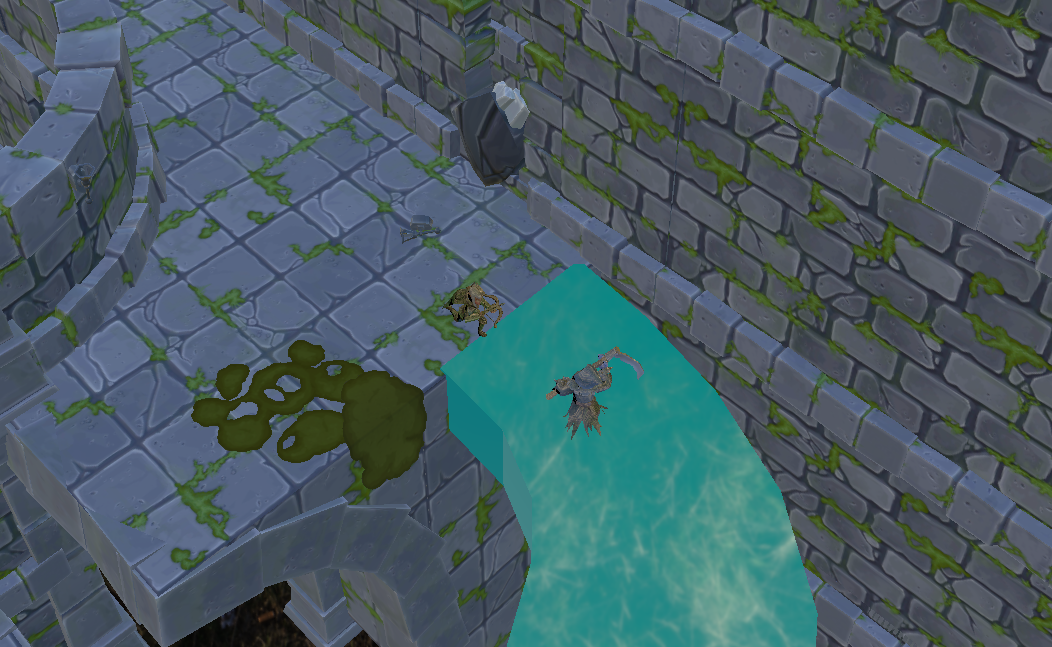
To simplify debugging and level iteration, custom navigation areas are visualized directly through the NavMesh debug view.
Different colors are used to quickly identify traversal regions and verify area assignments after baking.
Conclusion
The new NavMesh Area Type and Agent Filter system provides a flexible foundation for navigation-driven gameplay mechanics while maintaining a single NavMesh representation.
In addition to enabling spectral traversal paths, the system establishes the groundwork for future features such as advanced traversal restrictions, dynamic navigation behaviors and agent-specific pathfinding rules.